
FIRST PERSON
BOXING.READ THE FIGHT.
Your corner between rounds. Learn the controls, build a clean defensive exchange and take a plan into your next Roblox match.
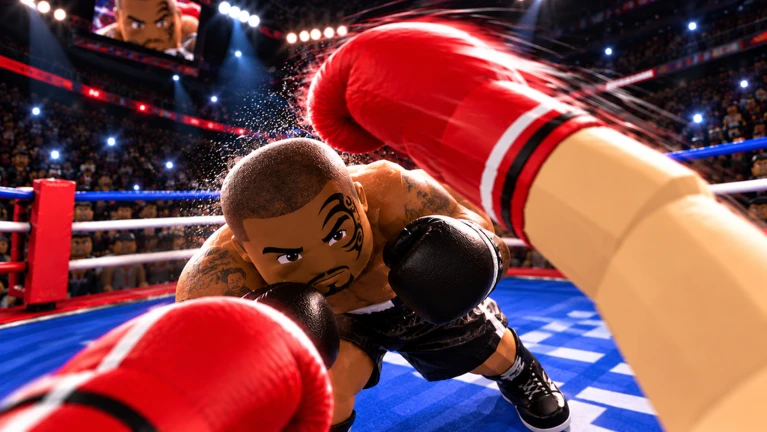 WELCOME TO YOUR CORNER.
Official experience media · © Can You Box? · Roblox source
WHAT BROUGHT YOU
TO THE RING?
Start with the action you want to understand. Each task has one home, so you spend less time sorting through repeated advice.
Start boxing
Find the official Roblox game, set up your controls and work through a short first-session plan before entering PvP.
02Learn the controls
Read demonstrated keyboard inputs, see a keycap diagram, and set up touch or controller actions without mixing in another boxing game.
03Defend & counter
Practise a short defensive exchange in First Person Boxing: read the attack, move your head, answer once and reset with stamina left.
04Train, then fight
Use a focused AI practice plan, then carry one measurable goal into a player match. Includes a shareable session checklist.
05Choose your style
Compare First Person Boxing styles by guard and handling preference, understand style spins, and use creator opinions with their limits intact.
06Check code reports
Find code strings shown in a creator guide, follow the in-game Shop redemption route, and understand why an old code report may fail today.
REAL GAME.
REAL FOOTAGE.
Watch the controls and fights in a creator's own walkthrough. Then use the guides to turn what you see into one repeatable action.
Practise the short exchangeItzVexo's October 17 walkthrough. Start at 2:38 for controls, 3:09 for body targeting and 4:29 for AI practice.
Watch on YouTube if the player does not load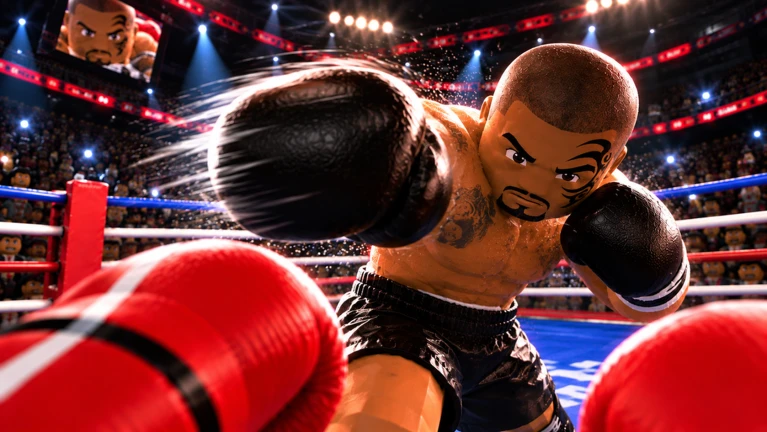
A SMALL PLAN.
A CLEANER EXCHANGE.
Take one skill into AI practice, then carry the same goal into PvP. Use a session card to keep the goal visible.
- Recognise and choose the input.
- Defend, answer once, reset.
- Notice what changes against a player.
Promotional media from the official Roblox experience · © Can You Box?